
All Rights Reserved
Daeda Technologies
FREE TOOLS
HubSpot, your way.
Two free Chrome extensions that change how HubSpot looks and feels — without asking for admin access, touching a workflow, or paying a cent.
Why we made these free
UI should belong to the user.
HubSpot is a powerful platform, but its interface is fixed. You can't reorder the sidebar, rename menus to match your team's language, or switch to a dark theme — not natively, anyway.
We built these tools because we use HubSpot ourselves every day and wanted a better experience. UI quality-of-life improvements shouldn't be a paid feature — they just make daily work more comfortable. So we made them free, permanently.
No accounts. No data sent anywhere. Changes live in your browser and apply instantly on every HubSpot page you open.
200+
Chrome users
Free
Always, no account needed
0 bytes
Data sent externally
Free extensions
Take control of your HubSpot navigation.
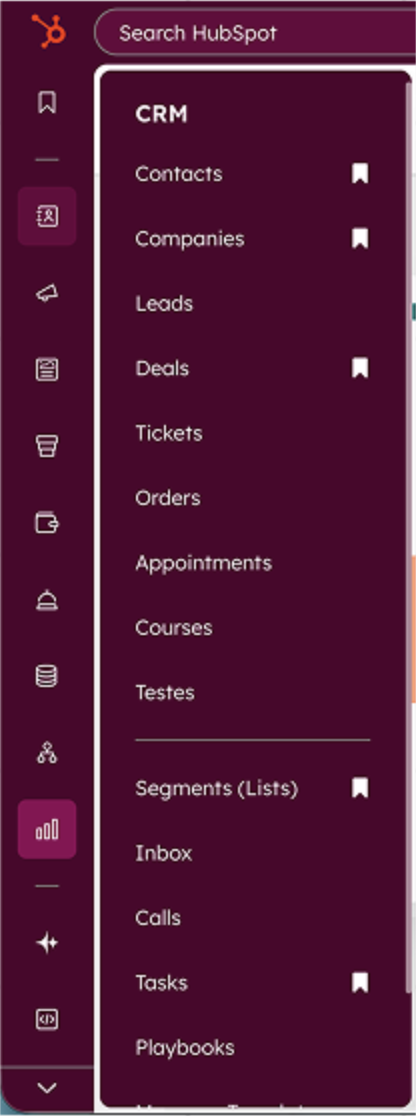
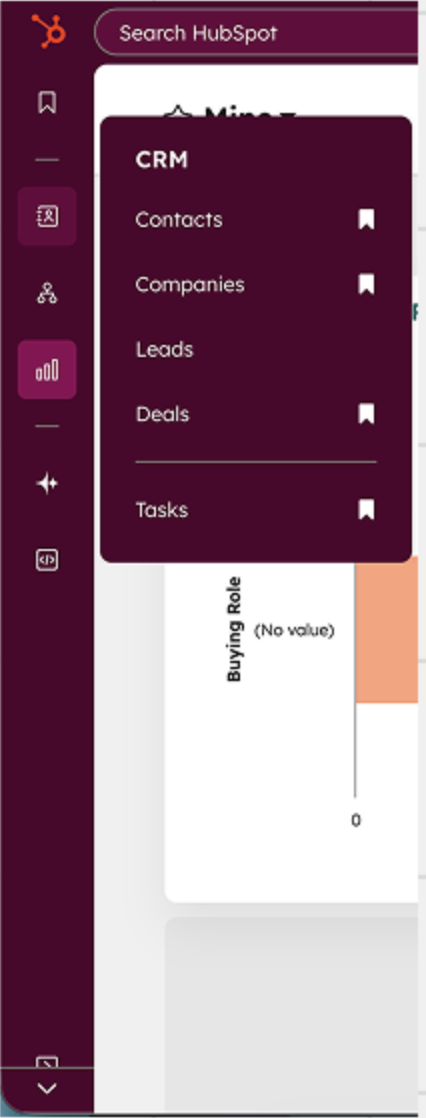
Tired of scrolling past menus you never use? Want quick access to the tools that matter most? HubSpot Custom NavBar lets you personalize HubSpot's sidebar to match the way you work.
Features
• Hide What You Don't Need Remove entire menus or individual items from dropdowns. Clean up the clutter and focus on what matters.
• Rename Menus Give menus custom labels that make sense for your workflow. Your CRM, your terminology.
• Swap Icons Choose from 50+ Phosphor icons or copy icons from other menus to create visual shortcuts you'll recognize instantly.
• Reorder Items Drag and drop to rearrange items within dropdown menus. Put your most-used links at the top.
Changes apply instantly and persist across sessions. All customizations stored locally in your browser with no data sent to external servers.
Transform your HubSpot experience with customizable themes.
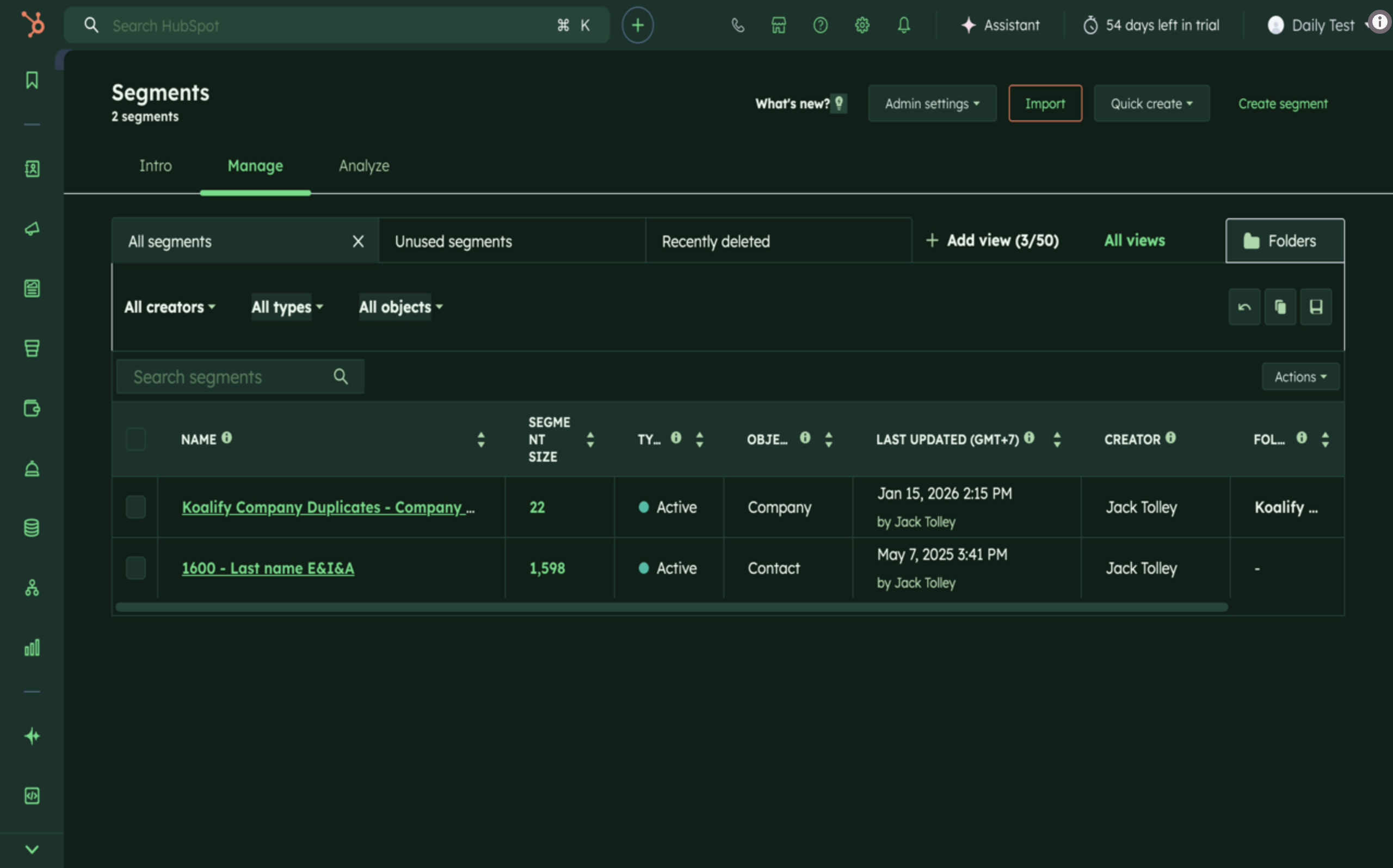
HubSpot Theme Changer lets you switch between dark mode, light mode, and custom color schemes to reduce eye strain and personalize your workspace.
Features
• Dark Mode Easy on the eyes for late-night work sessions
• Light Mode Clean and bright for daytime productivity
• Custom Themes Choose colors that match your preferences
• Instant Apply Changes take effect immediately, no page reload needed
• Persistent Settings Your theme choice is remembered across sessions
Works across all HubSpot pages including Contacts, Deals, Marketing, and more.
Also available
Snippet Power Tools accelerates HubSpot snippet and property management for teams that need scale and consistency.
Key workflows
• Bulk export and edit snippets
• Copy properties across environments
• Import updates in minutes instead of manual edits
Why it matters
Manual snippet updates create drift, duplicate effort, and inconsistent messaging. This tool standardizes content operations across teams.
Ideal for
Ops and enablement teams managing large snippet libraries, onboarding templates, and repeatable communication systems.

